Linking Campaigns to an Overall Goal
Every campaign you link to an overall goal adds its amount raised to the goal's total. You can link any type of campaign: product fundraisers, donation pages, crowdfunding and athons.
Adding a campaign
- Go to Overall Goals and open your goal.
- In the Campaigns card, find the campaign under Add a campaign.
- Click Add.
The campaign moves into the linked list with its amount raised, and the goal's total updates.
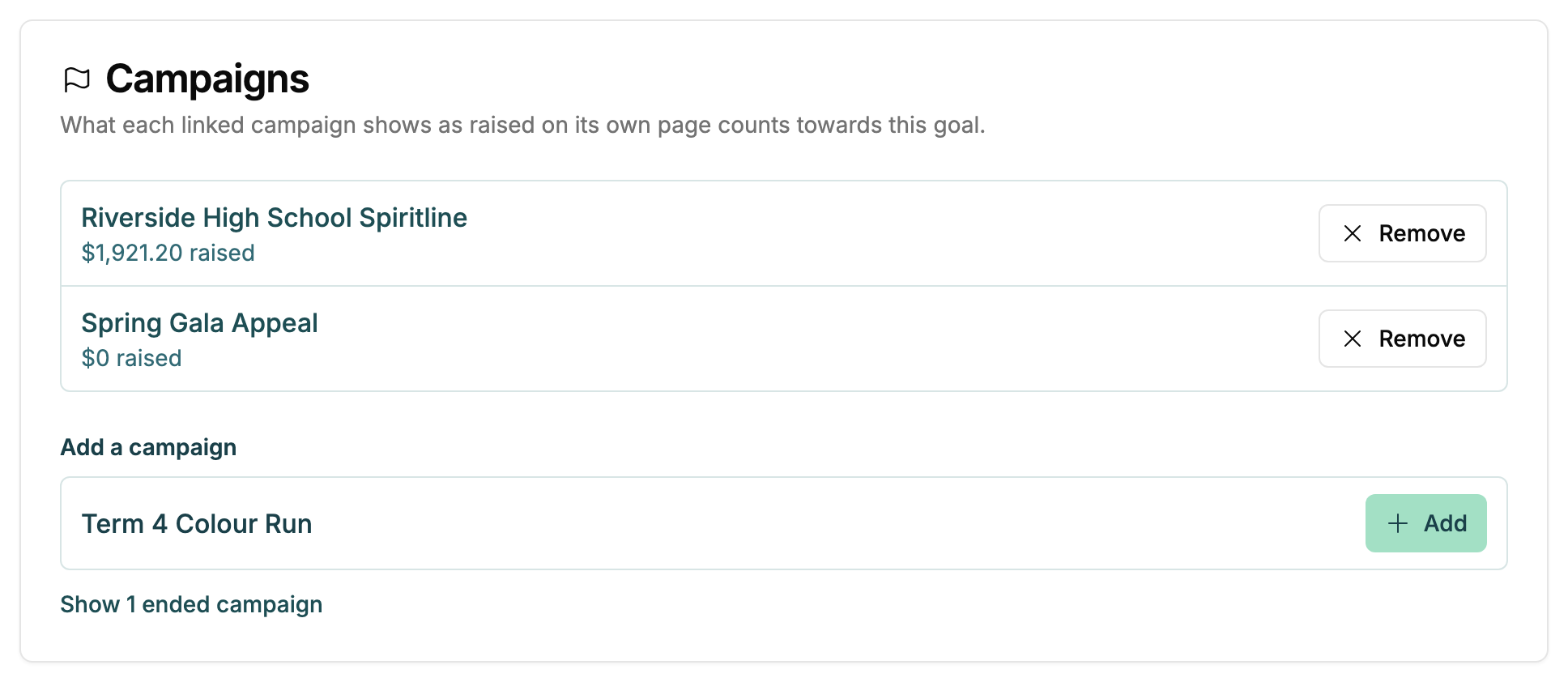
Campaigns that have already ended are hidden at first. Click Show ended campaigns to link one, for example a fundraiser that ran earlier in the year.
Rules for linking
- One goal per campaign. A campaign counts towards one goal at most. If it already belongs to another goal, the list says so, and adding it moves it across.
- Same currency only. A goal counts in NZD or AUD, and only campaigns in that currency can be linked. This keeps dollars from two countries from being added together.
- Cancelled campaigns drop out. If you cancel a linked campaign, it stops counting towards the goal.
Removing a campaign
Click Remove next to the campaign. It stops counting towards the goal straight away. Nothing else about the campaign changes, and you can add it again later.